Launtel allows you to configure speed limits on your NBN connection. This can improve latency and reduce dropped packets, especially on congested connections. NBN Co. also has an aggressive policer on their network, which is specifically easy to exceed while uploading. You can use these numbers as a guide for your own router settings, and they can give you a hint of what other ISPs might be doing.
For reference, a policer is a hard limit on the speed of your connection, if you exceed this limit, packets will be dropped. A shaper is a soft limit, which delays packets to keep your speed under a certain limit, but tries to avoid dropping packets.
Launtel QoS Speeds
| Plan (Up/Down) | Download (Min, Default, Max) | Upload (Min, Default, Max) |
|---|---|---|
| 2000/500 | 400, 2100, 2200 | 100, 475, 500 |
| 2000/200 | 400, 2100, 2200 | 40, 190, 200 |
| 1000/400 | 200, 930, 1000 | 80, 380, 400 |
| 1000/100 | 200, 930, 1000 | 20, 95, 100 |
| 750/50 | 150, 785, 825 | 10, 47, 50 |
| 500/200 | 100, 540, 575 | 40, 190, 200 |
| 500/50 | 100, 540, 575 | 10, 47, 50 |
| 250/100 | 50, 270, 287 | 20, 95, 100 |
| 100/40 | 20, 108, 115 | 8, 38, 40 |
| 100/20 | 20, 108, 115 | 4, 19, 20 |
My Recommendations
NBN Co’s network only connects you to your ISP, Launtel can only control the speed between the NBN and their network, not between you and the NBN. Because of this, I recommend setting an upload shaper on your own router (before packets hit the NBN), as packets could be otherwise dropped by NBN’s policer before they reach Launtel’s shaper. A download shaper is better done on Launtel’s end (also before packets hit the NBN), as otherwise packets would have already travelled through NBN’s network to reach you. You shouldn’t need to configure a download shaper on your router, as you’ve already received the packet, there’s (usually) no reason to delay it further.
Many ISP provided routers (e.g. Telstra’s Smart Modem), will also automatically configure shaping on their ISP network; but if you’re using your own router, you should configure this yourself.
My Settings
If you’re interested, these are my settings on Launtel’s portal:
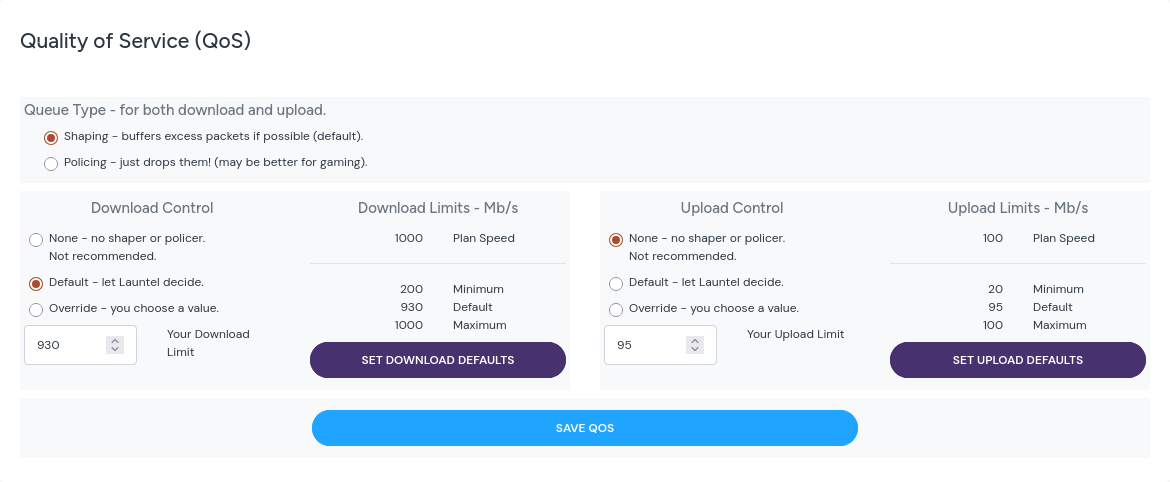
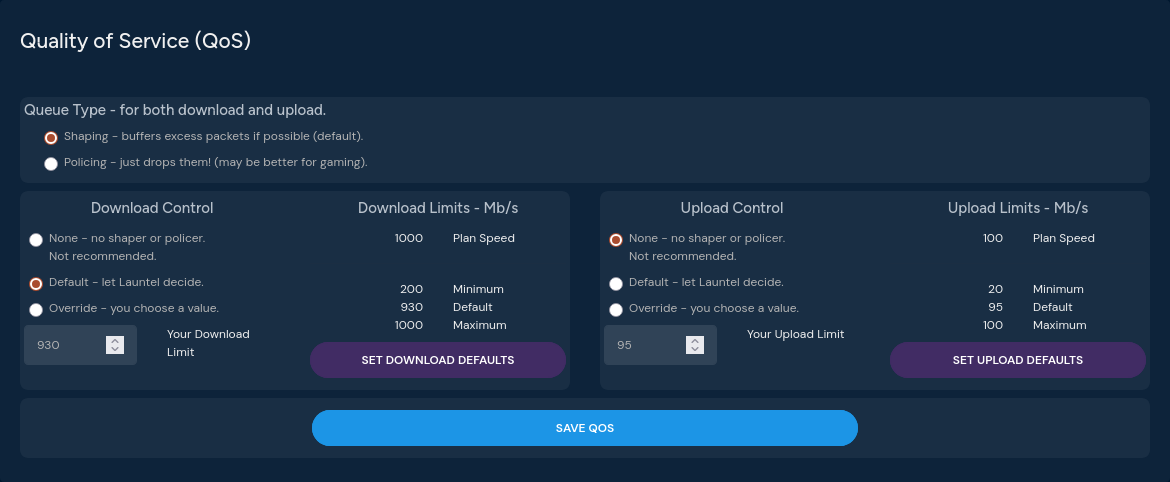
I’ve disabled upload shaping as I’ve configured the following queue tree on my MikroTik router:
queue/type/add name="cake-upload" kind=cake cake-overhead-scheme=ethernet cake-rtt-scheme=oceanic cake-flowmode=dual-srchost cake-nat=yes
queue/tree/add name="queue-upload" parent=ether1 packet-mark=no-mark queue=cake-upload max-limit=95M
Also these seem to be Launtel’s DNS servers, if anyone needs them:
- IPv4:
203.12.12.12 - IPv6:
2404:e80::1337:af
Launtel Referral
If you are interested in signing up to Launtel, please consider using my referral code: STEVETECH. This should give you a $25 credit on your account and help support my work, you can read more about their referral program here.
Also on many of Launtel’s portal pages, you can ‘unlock IPv7’ by typing the Konami code: Up, Up, Down, Down, Left, Right, Left, Right, B, A; which is a fun little easter egg.
Thanks for reading!
Steve.
Comments
Reply